Great post from the Electronic Frontier Foundation on how to remove your viewing and search history in YouTube before those new Privacy policies go into effect on March 1st.
How to Remove Your YouTube Viewing and Search History Before Google’s New Privacy Policy Takes Effect
On March 1st, Google will implement its new, unified privacy policy, which will affect data Google has collected on you prior to March 1st as well as data it collects on you in the future. Earlier this week, we showed you how to delete your Google Web History in order to prevent Google from combining your Web History data with the data it has about you on its other products to provide you with personalized ads or suggestions across all of its products. You may also wish to delete your YouTube Viewing and Search History, which can reveal particularly sensitive information about you, including your location, interests, age, sexual orientation, religion, and health concerns.
Note that disabling Viewing and Search History in your YouTube account will not prevent Google from gathering and storing this information and using it for internal purposes. It also does not change the fact that any information gathered and stored by Google could be soughtby law enforcement.
With Viewing and Search History enabled, Google will keep these records indefinitely; with it disabled, they will be partially anonymized after 18 months, and certain kinds of uses, including sending you customized search results, will be prevented. An individual concerned about privacy may also want to set up a secondary Google account for browsing and sharing YouTube videos. She could then download all of her existing YouTube videos to her computer, delete them from her primary Google profile, and then use a separate browser to upload them to a new secondary Google account. If you want to do more to reduce the records Google keeps, the advice in EFF’s Six Tips to Protect Your Search Privacy white paper remains relevant.
The following steps will delete your viewing and search history on YouTube. If you have multiple YouTube accounts, you will have to complete these steps for each account.
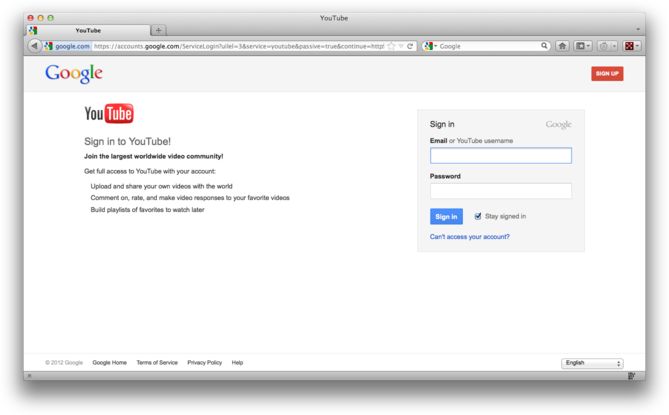
1. Log in to your Google account.
2. Go to https://www.youtube.com
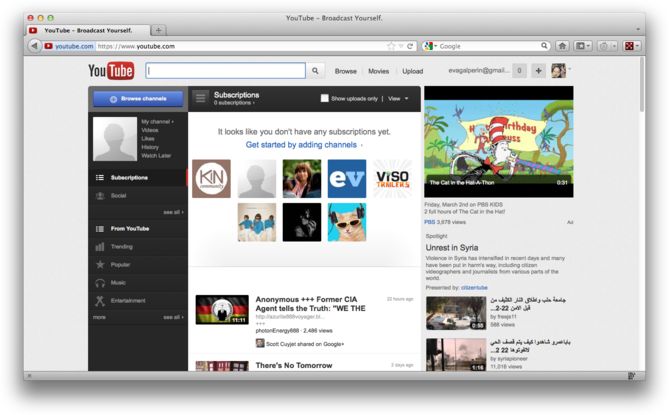
3. Click on your icon.
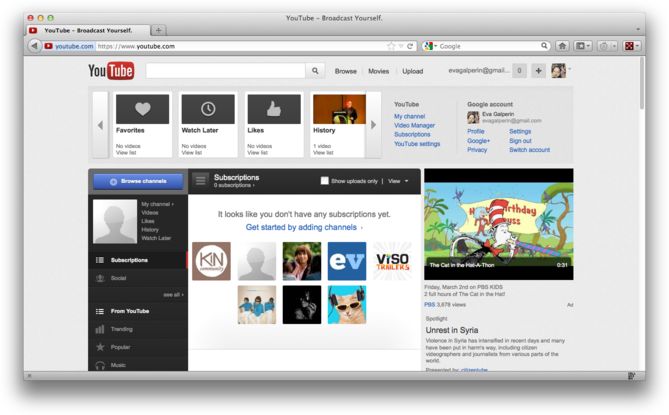
4. Click “Video Manager”
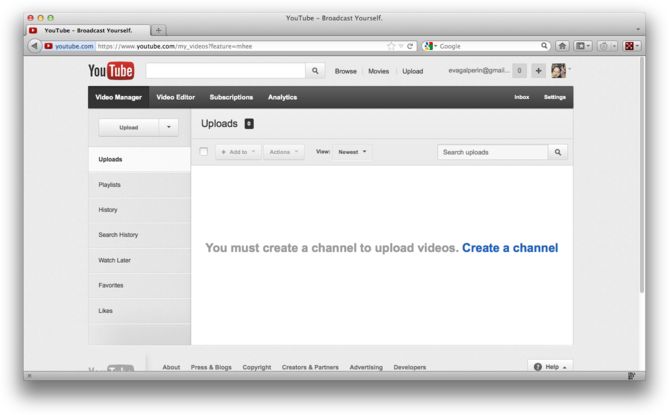
5. Click “History”
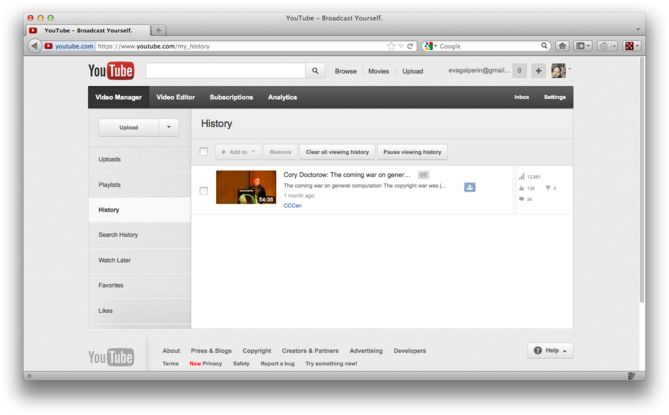
6. Click “Clear all viewing history.”
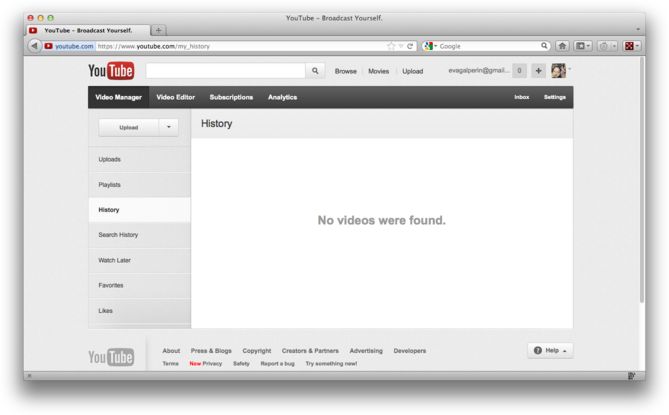
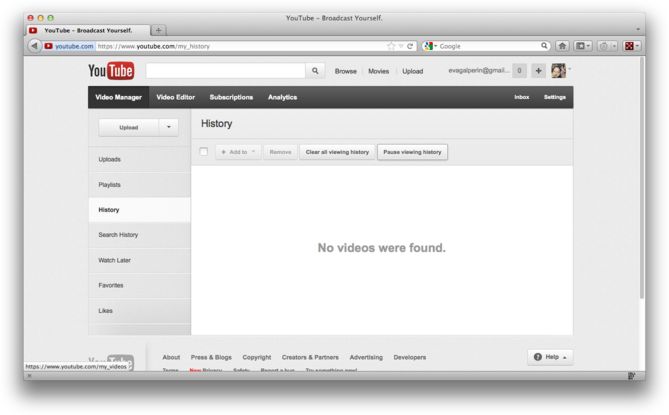
7. Click “Pause viewing history.”
8. Click “Search History.”
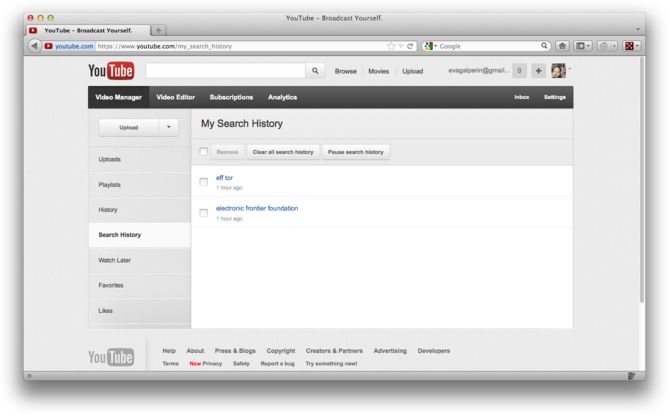
9. Click “Clear all search history.”
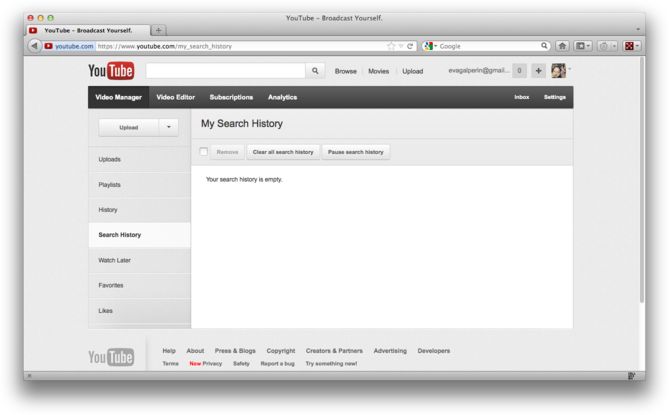
10. Click “Pause search history.”
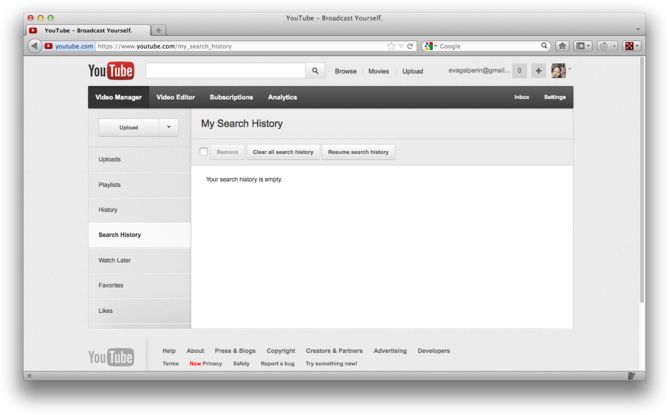
If you have multiple YouTube accounts, you will have to complete these steps for each account.
Leave a Reply